


A gaming PC costs between 600 and 3,000+ euros, depending on the performance you want. To game in Full HD with good graphics quality you need at least 800-1,000 euros. The 1,200-1,800 euro range is the "sweet spot" for 1440p gaming with high frame rates. Above 2,000 euros you enter proper 4K gaming territory with no compromises. The component with the biggest impact on price is the graphics card (GPU), which accounts for 40-50% of the total budget.
If you're trying to figure out how much a gaming PC costs, you've probably already discovered that there's never a single straightforward number. The price depends on what you want to do, at what resolution you want to play, and how long you want that machine to last. This guide exists to give you a clear, honest and up-to-date picture: no inflated numbers and no oversimplifications that wouldn't actually help you.
At Breunor, we build custom gaming PCs every day. We know the components market, we know what changes from one price bracket to another, and above all we know which mistakes cost money to people who don't have reliable reference points. What you're reading here comes from years of hands-on experience in the industry, not from spec sheets copied from manufacturers.
Let's start with the only question that really matters before talking about budget: what do you want to do with your gaming PC?
Why there's no single price for a gaming PC
A gaming PC isn't a product with a fixed price like a smartphone or a console. It's a modular system, where every component can be chosen based on your needs and budget. This means two PCs at the same price can offer radically different performance depending on how they were configured.
The deciding factor isn't the total price, but the balance between components. A poorly built 1,500 euro PC, with an oversized GPU paired with a CPU that's too slow, delivers worse performance than a properly balanced 1,200 euro PC. This is the main reason why relying on people who build PCs professionally makes a real, not just cosmetic, difference.
The second factor to define upfront is your gaming target: the monitor resolution and the frame rate you want to hit directly determine the budget you need. Gaming in Full HD (1080p) at 60 FPS requires significantly less spend than 4K gaming at 120 FPS.
The GPU is the component that weighs most on the price
In any balanced gaming build, the graphics card (GPU) absorbs between 40% and 50% of the total budget. It's the main driver of gaming performance: it determines how many frames per second you can achieve, at what resolution you can play, and how many visual effects you can enable. The NVIDIA GeForce RTX 5000 and AMD Radeon RX 9000 series are today's market benchmark across every price bracket.
The processor (CPU) plays an important but secondary role compared to the GPU in a gaming context. A good latest-generation Intel Core i5 or AMD Ryzen 5 is enough for the vast majority of titles. Investing in a top-tier CPU makes sense mainly if you also stream, do video editing, or work with professional applications.
RAM, SSD and power supply round out the picture. Today 16 GB of DDR5 RAM is the recommended minimum, 32 GB the standard for a build meant to last. A minimum 1 TB NVMe SSD is essential, while a certified quality power supply protects the whole investment over time.
Explore our custom gaming PC configurations: carefully built, tested and ready to ship.
Gaming PC price brackets in 2026
Here's a clear, up-to-date overview of price brackets for a desktop gaming PC, excluding monitor and peripherals. Prices refer to pre-built or custom systems with new components and full warranty.

| Price bracket | Target resolution | Expected FPS | Ideal for |
|---|---|---|---|
| 600 - 900 euros | 1080p | 60+ FPS | Casual gamer, eSports and indie titles |
| 900 - 1,200 euros | 1080p at 144Hz | 100+ FPS | Regular gamer, all modern titles |
| 1,200 - 1,800 euros | 1440p | 100+ FPS | Enthusiast gamer, best value/performance sweet spot |
| 1,800 - 2,500 euros | 1440p / 4K | 120+ FPS | Enthusiast, zero compromises |
| 2,500+ euros | 4K | 60-120+ FPS Ultra | Professionals, content creators, maximum performance |
Entry-Level bracket: 600-900 euros
This is the entry point into serious PC gaming. With a budget between 600 and 900 euros, you can build a machine capable of running all modern titles, including graphically demanding ones, in Full HD resolution with medium to medium-high detail.
At this bracket, you'll typically go for GPUs like the NVIDIA GeForce RTX 5060 or the AMD Radeon RX 9060, paired with processors like the AMD Ryzen 5 9600X or the Intel Core i5-14400F. RAM is typically 16 GB DDR5, storage 1 TB NVMe. Don't expect maximum detail in 4K, but for Fortnite, Valorant, CS2, Call of Duty and even heavier titles, this build holds up well.
The main limitation of this bracket is longevity: within two or three years, more demanding titles might require reduced graphics settings. Still, it's a great starting point, especially if you plan to upgrade the GPU in the future.
Mid-Range bracket: 900-1,200 euros
This is the bracket where you can play everything with high quality and solid frame rates. With a budget between 900 and 1,200 euros you can aim for GPUs like the RTX 5060 Ti or the RX 9070, which let you play in 1080p with ultra details and frame rates above 100 FPS, and get close to 1440p gaming on many titles.
Recommended CPU at this bracket: AMD Ryzen 5 9600X or Intel Core i5-14600K, with 16-32 GB of DDR5 RAM and a 1 TB SSD. The result is a well-balanced machine, with no obvious bottlenecks, capable of handling gaming, light streaming and everyday use in parallel without effort.
This bracket is ideal for those who game regularly but don't want to spend as much as a top-tier PC. It represents a great compromise between performance and longevity, especially if you choose a GPU recent enough to support upscaling technologies like DLSS 4 or FSR 4.
High-End bracket: 1,200-1,800 euros — The "Sweet Spot"
This is the price bracket that offers the best performance-to-investment ratio for the passionate gamer. With 1,200-1,800 euros you build a PC capable of 1440p gaming with ultra details and frame rates above 100 FPS on virtually every title on the market, including the most demanding ones like Cyberpunk 2077 or Black Myth: Wukong.
The reference GPUs are the RTX 5070 or the RX 9070 XT, paired with CPUs like the AMD Ryzen 7 9800X3D or the Intel Core i7-14700K. RAM goes up to 32 GB DDR5, SSD to 1-2 TB NVMe. AMD's 3D V-Cache technology is particularly appreciated by gamers in this bracket: the Ryzen 7 9800X3D offers a real gaming performance advantage over the previous generation.
Those who choose this bracket usually don't plan to upgrade the PC for at least 4-5 years. It's a rational choice: you pay more today to avoid spending again soon. Check out our gaming PCs in this bracket, already built and tested.
Want a custom-built high-end gaming PC? Use Breunor's Online PC Configurator to choose every component, or browse our ready-made configurations to find the right one for your budget.
Enthusiast bracket: 1,800-2,500 euros
Above 1,800 euros you enter territory where compromises disappear. GPUs like the RTX 5070 Ti or the RTX 5080 allow 4K gaming with ray tracing enabled and high frame rates. CPUs like the Ryzen 9 9950X3D or the Intel Core Ultra 9 285K complete a build designed to last a long time without ever feeling the need for upgrades.
This bracket targets those who also use the PC for heavy work: 4K video editing, 3D rendering, professional streaming, game development. The extra cost compared to the high-end bracket is only justified if you actually use these extra capabilities. For gaming alone, the 1,200-1,800 euro bracket is often enough.
If you're looking for your next ready-made enthusiast build, check out our ready to ship gaming PCs: immediate shipping, already tested and with full warranty.
Top-Tier bracket: over 2,500 euros
Gaming PCs above 2,500 euros are machines built for those who don't want to feel any kind of limit. The RTX 5090 with 32 GB of GDDR7 VRAM, paired with top-tier CPUs and 64 GB of DDR5 RAM, delivers performance that goes well beyond gaming: these are workstations capable of handling professional rendering, local AI, 8K streaming and much more.
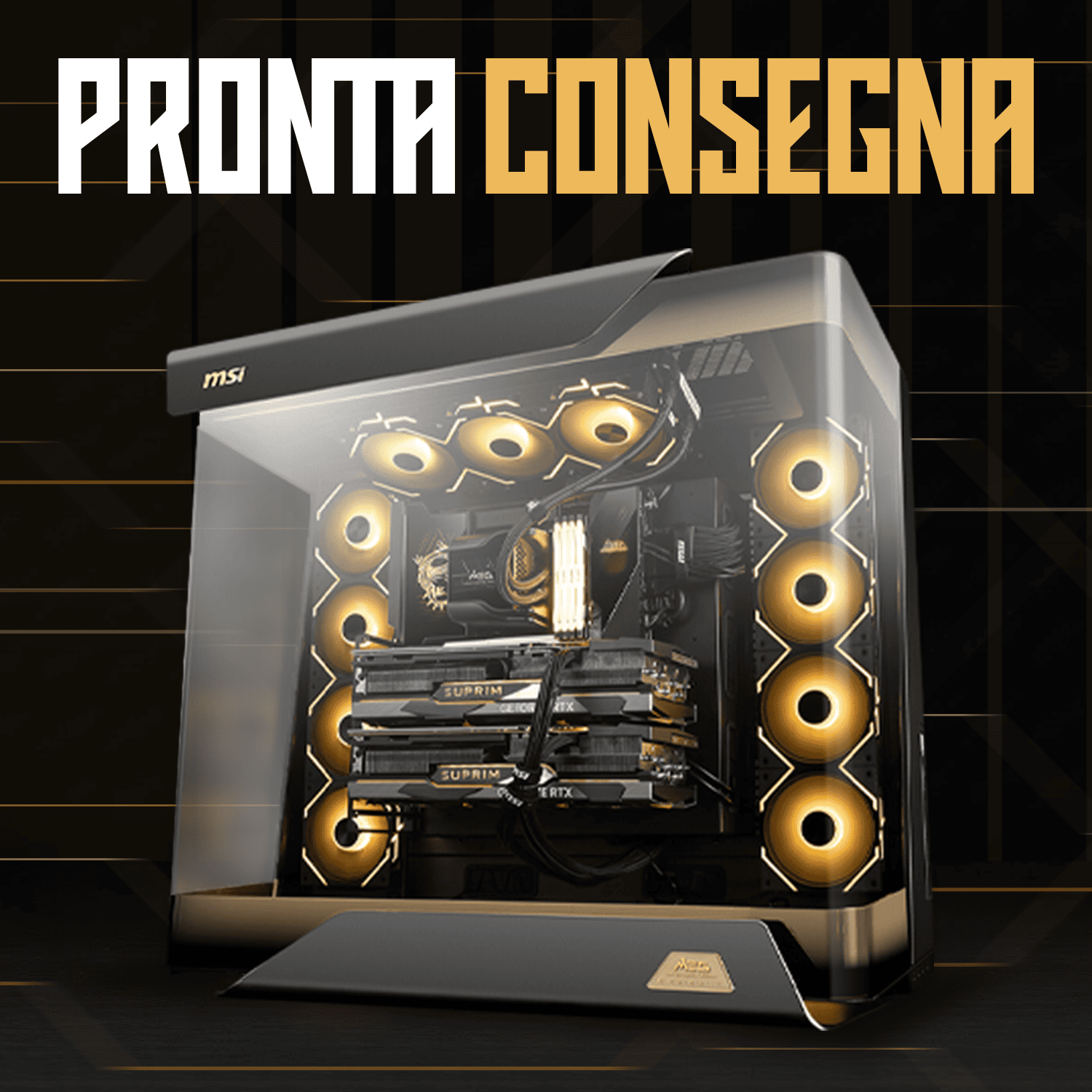
At this bracket, attention also shifts to aesthetics and cooling systems: custom liquid cooling loops, premium cases, coordinated RGB lighting. It's not just a gaming PC, it's a statement. Breunor offers its Breunor premium configurations — like the Breunor Orionis and the Breunor Panda — for those who want the absolute best, with hand-picked components and professional assembly.
What affects a gaming PC's price: component costs explained
Understanding what each component does and how much it impacts the total price is essential to making smart choices. Here's a practical overview of every part and its weight in the overall budget.

Graphics Card (GPU): 40-50% of the budget
The GPU is the most important component for gaming and the one with the biggest impact on price. It determines the maximum resolution at which you can play with good quality, the frame rate, and support for advanced technologies like ray tracing, DLSS 4 (NVIDIA's AI-powered upscaling) and FSR 4 (AMD's answer). A good quality GPU is the main investment to protect by wisely choosing the other components around it.
Indicative GPU prices in 2026: entry bracket RTX 5060 / RX 9060 (300-450 euros), mid bracket RTX 5060 Ti / RX 9070 (450-600 euros), high bracket RTX 5070 / RX 9070 XT (600-850 euros), top bracket RTX 5080 / RTX 5090 (1,000-2,000+ euros). The RTX 5000 and RX 9000 series models are progressively replacing previous generations in 2026.
Processor (CPU): 15-25% of the budget
In gaming, the CPU is important but less decisive than the GPU. Its main job is to "feed" the graphics card with data fast enough to avoid creating a bottleneck. For most games, a latest-generation Intel Core i5 or AMD Ryzen 5 9600X is more than enough.
Exceptions are titles that leverage many cores, like Microsoft Flight Simulator, or streaming setups where the CPU has to encode video in real time while running the game. In these cases, it's worth investing in a Ryzen 7 or a Core i7. The Ryzen 7 9800X3D with 3D V-Cache technology is the go-to gaming CPU in 2026 thanks to its superior in-game performance.
RAM: 16 or 32 GB DDR5
Today the absolute minimum for gaming is 16 GB of RAM. With less, the most recent titles start showing stuttering and frame drops. 32 GB is the recommended standard for those who want a future-proof build or who also use the PC for work. DDR5 technology is now the reference standard on modern platforms: faster than DDR4 and compatible with Intel Core 12th gen and up, and AMD Ryzen 7000/9000 processors.
RAM speed (measured in MHz or MT/s) has a real impact on performance, especially on AMD platforms. Kits at 6,000 MT/s represent a good balance between price and performance. Don't cut corners on RAM: it costs relatively little and can make a real difference.
NVMe SSD: capacity and speed matter
The days when you could choose a mechanical hard drive for a gaming PC are over. Today, a minimum 1 TB PCIe 4.0 NVMe SSD is the baseline. Modern games weigh between 50 and 150 GB each, and loading times on a mechanical drive are unbearable compared to a fast SSD. Better to start straight away with 1 TB, with the option of adding a second SSD later.
Power Supply (PSU): the often underrated component
The power supply is the component most often overlooked in a budget build, with consequences that can prove costly. A poor-quality PSU can damage all the other components if something goes wrong. The energy certification (80 Plus Bronze, Gold, Platinum) indicates efficiency level: choosing at least a Gold-certified unit is a mark of quality. The recommended minimum wattage for a mid-range build is 650W, for a high-end build 750-850W, and for a top-tier build 1,000W or more.
Case and Cooling: looks and temperature
The case affects looks, airflow and space for components. A well-ventilated case keeps temperatures low, extending component lifespan and maintaining performance over time. Cooling can be air-based (tower air coolers, cheaper and more reliable) or all-in-one liquid cooling (AIO liquid cooler, more expensive but visually appreciated and with good thermal performance).
The "hidden" costs of a gaming PC: what not to forget
The PC's price is only part of the equation. If you're building your setup from scratch, there are other costs to factor in. Ignoring them often leads to unpleasant surprises.
- Gaming monitor: from 150 euros for a good 1080p 144Hz panel, up to 350-500 euros for a quality 1440p QHD monitor. For 4K, prices start at 400-600 euros. Refresh rate (Hz) and panel type (IPS, VA, OLED) have a huge impact on the visual experience.
- Keyboard and mouse: a good basic gaming kit costs 50-80 euros. Mechanical keyboards and high-precision mice for professional use go beyond 100-150 euros.
- Headset or speakers: from 30-40 euros for a basic solution, up to 150-300 euros for high-end gaming headsets with built-in microphone and surround audio.
- Operating System: Windows 11 Home has an official price. Discounted OEM licences exist, but it's important to verify their legitimacy and terms of use.
- Gaming chair and desk: often overlooked, but essential for comfort during long sessions. An ergonomic gaming chair starts at 150-200 euros.
- Connectivity: a Wi-Fi adapter if the motherboard doesn't have one built in, or an Ethernet cable for a stable connection (recommended for online gaming).
If your budget is 1,000 euros for the PC alone, keep in mind that for a complete setup from scratch you might need to add 300-500 euros for monitor, peripherals and operating system. Plan ahead from the start to avoid last-minute compromises.
Know exactly what you want? Configure your custom gaming PC on Breunor.com with the Online PC Configurator. Choose every component, view the preview and place your order: we build it, test it, and get it ready to ship.
PC longevity is part of the calculation
An often overlooked aspect when thinking about price is longevity. A gaming PC isn't an expense you repeat every year: if built well, it can last 4-6 years before needing significant upgrades. This means the real cost should be divided across the years of use, making higher price brackets far less intimidating than they first appear.
A 1,500 euro PC that lasts 5 years actually costs 300 euros per year, less than many monthly subscriptions to streaming or gaming-as-a-service platforms. And unlike a console, a gaming PC lets you play PC-exclusive titles, use it for work and study, and upgrade it component by component without buying a completely new system.
The components that "age" fastest are the GPU and, to a lesser extent, the CPU. RAM, SSD, power supply, case and cooling tend to last much longer. A smart strategy is to invest in these components once, choosing quality, and upgrade GPU and CPU when your gaming needs require it.
Tips to extend your gaming PC's lifespan
- Always keep your graphics card drivers up to date
- Periodically check component temperatures with free software like MSI Afterburner or HWiNFO64
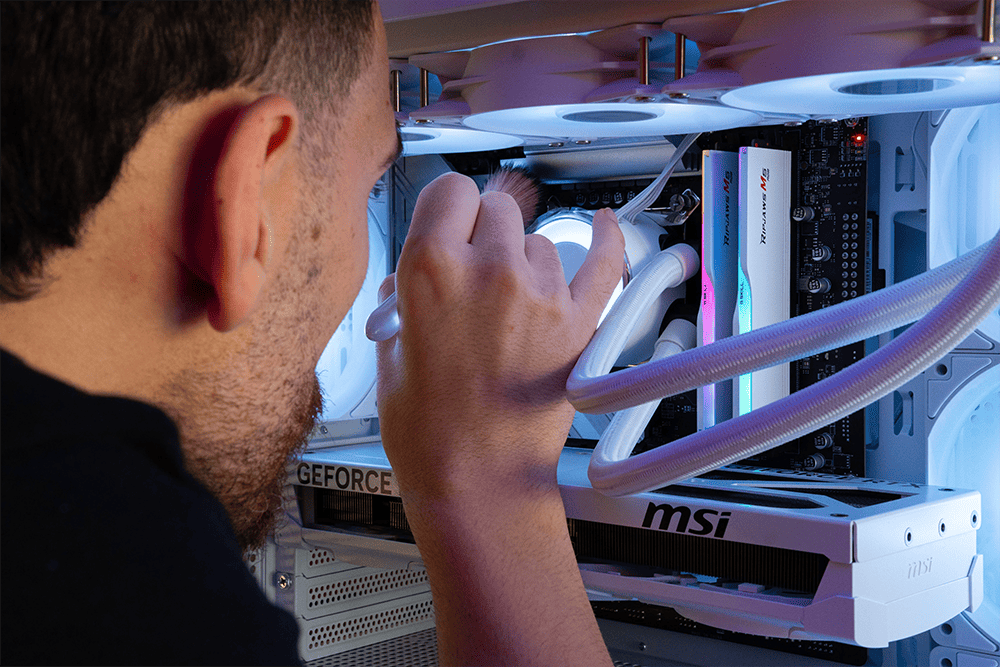
- Clean the inside of the PC from dust every 6-12 months
- Don't obstruct the case's air intakes
- Use a UPS or at least a surge-protected power strip
- Avoid keeping the PC in very hot or humid environments
If your PC needs an upgrade, check out our optimisation and maintenance services: from GPU replacement to RAM upgrades, we handle it all.
FAQ: The Most Frequently Asked Questions About Gaming PC Costs
What's the minimum budget for a gaming PC worth buying?
The absolute minimum for a decent PC gaming experience is around 600-700 euros. Below this threshold, the compromises become too obvious: low performance, reduced graphics quality, poor longevity. With 800-900 euros you're already in much more interesting territory, with GPUs capable of running all modern titles in Full HD with good quality.
Is it worth buying a used gaming PC?
It depends on the component. Buying a used GPU can be a smart move to save 20-30% compared to buying new, as long as you buy from trustworthy sellers and check its condition. We don't recommend buying used power supplies or mechanical hard drives, which have a higher failure rate as they age. A complete used gaming PC can make sense, but always check the system's history and make sure the main components still have warranty coverage.
How long does it take for a custom gaming PC to be ready?
At Breunor, build and testing times vary depending on the configuration and component availability. Ready to ship configurations are available for immediate shipping. For custom PCs, average lead times are 3-7 working days. You can check availability directly on the site or contact our team for precise timing.
Is an NVIDIA or AMD GPU better for gaming?
Both brands offer excellent products. NVIDIA has an edge in ray tracing and proprietary technologies like DLSS 4 (AI-powered upscaling) and NVIDIA Reflex (latency reduction). AMD counters with FSR 4 and generally more competitive pricing at equal raster performance. The choice also depends on the games you want to play: some titles are better optimised for NVIDIA, others for AMD.
Can I upgrade a gaming PC over time?
Yes, and it's one of the main advantages of a PC over a console. With a custom PC built on a quality motherboard, you can upgrade GPU, CPU and RAM over time without replacing the entire system. The important thing is to choose a platform with good upgrade prospects from the start: AM5 socket for AMD or LGA1851 for Intel, a motherboard with free slots, and a power supply with enough headroom for future components.
What does "bottleneck" mean and how do you avoid it?
A bottleneck is a situation where one component limits the performance of another. The most common example is a very powerful GPU paired with a slow CPU: the GPU "waits" for the CPU and can't reach its full potential. To avoid it, it's essential to balance the build consistently. Our experts always check compatibility and balance on every build before delivering it.