Webcams for Streaming and Gaming: Full HD and 4K
Back to School Codes: BLOOM or DROP


Frequently asked questions
What is the difference between a 720p, 1080p and 4K webcam? Which one do I need?
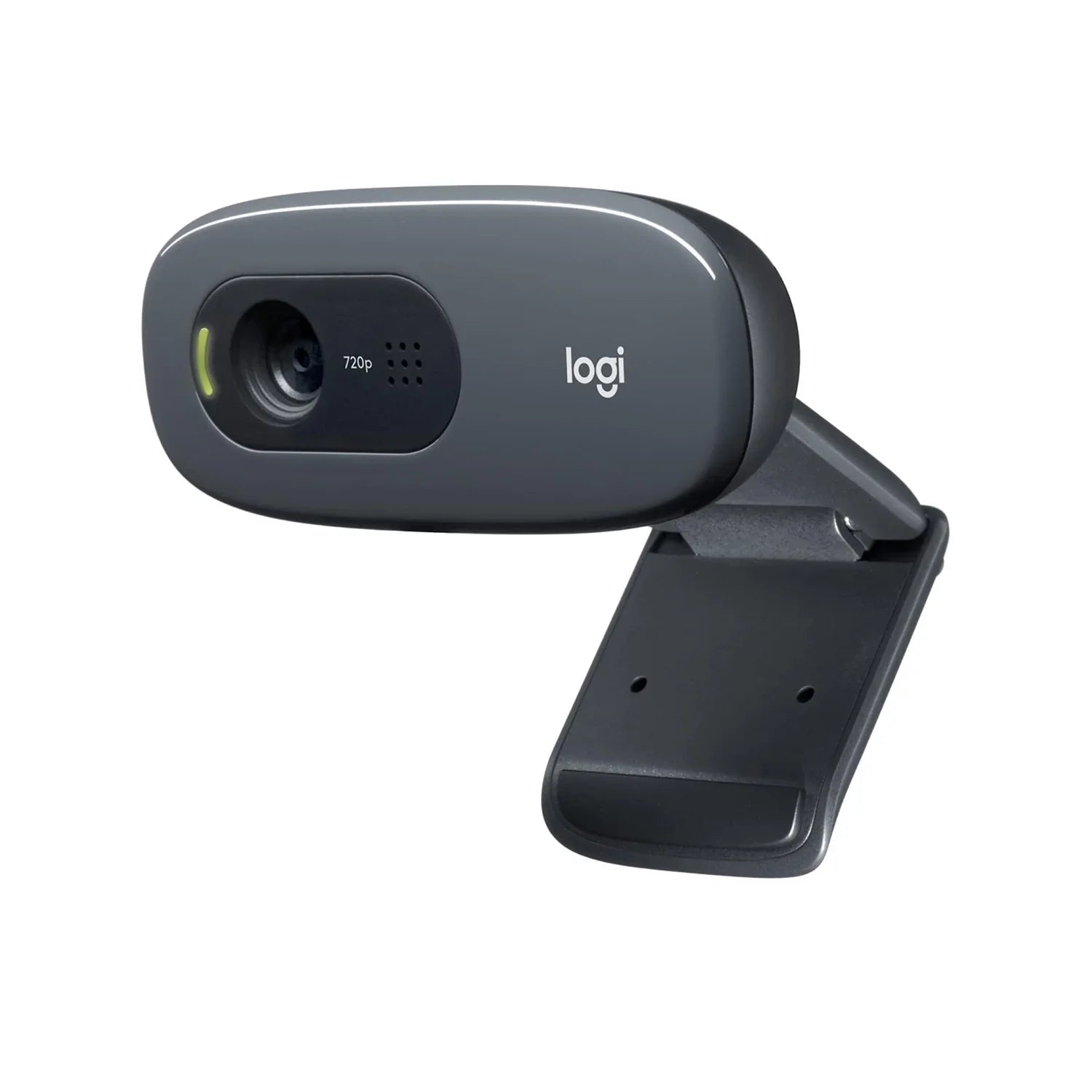
Resolution determines image sharpness. A 720p webcam is more than enough for video calls on Discord or Zoom. 1080p is the recommended choice for streaming on Twitch or YouTube. 4K makes sense if you produce high-quality video content or want to future-proof your setup.
Do all webcams have a built-in microphone?
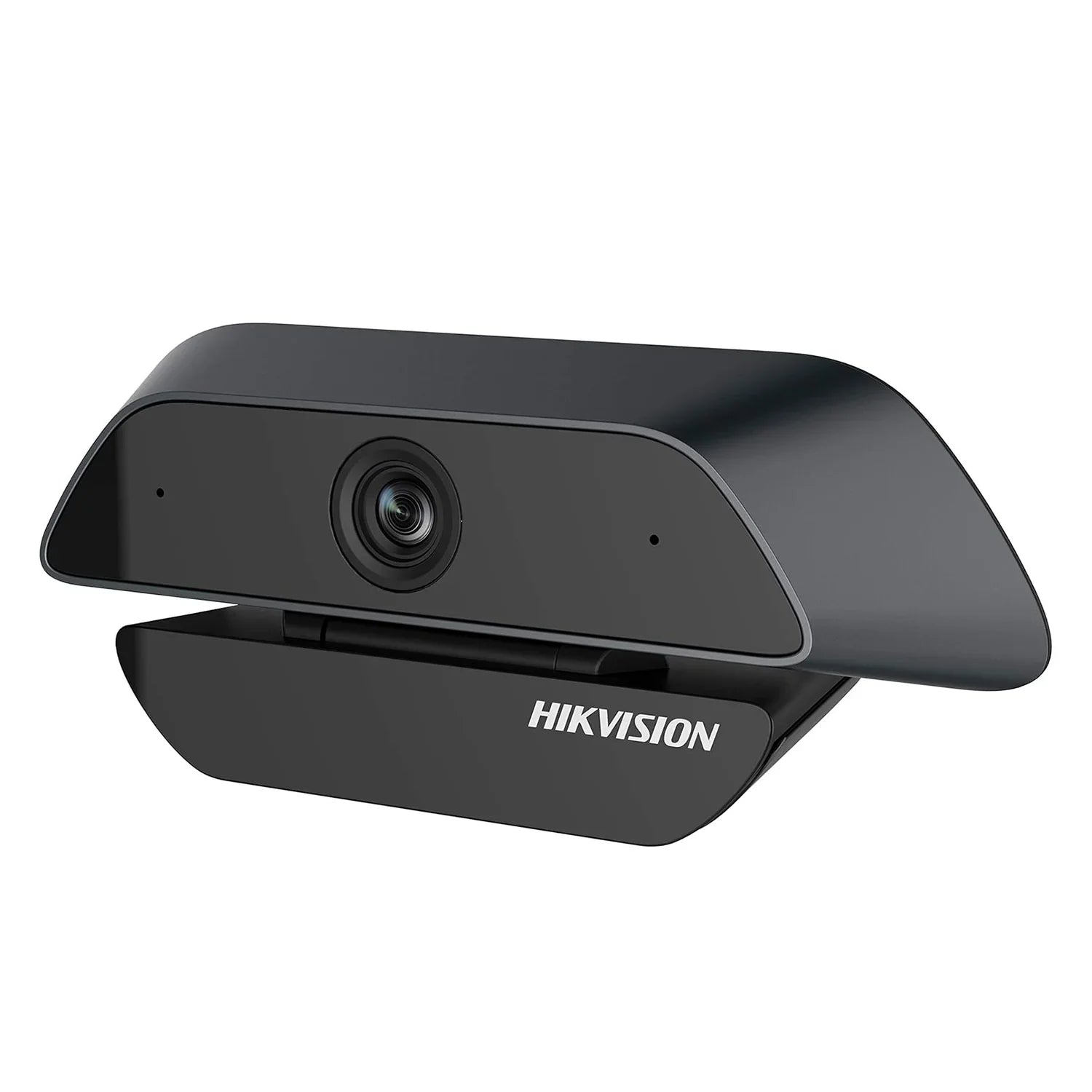
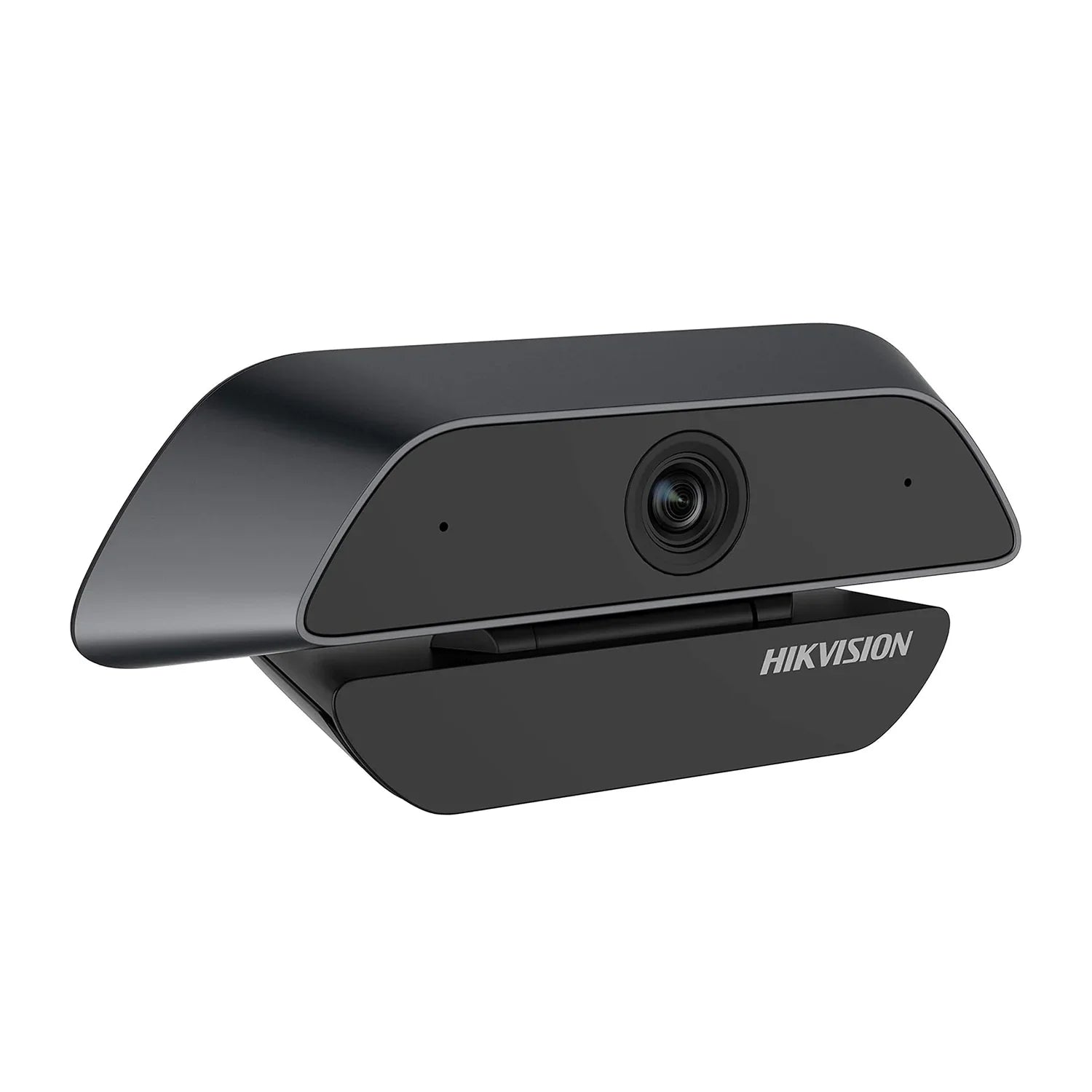
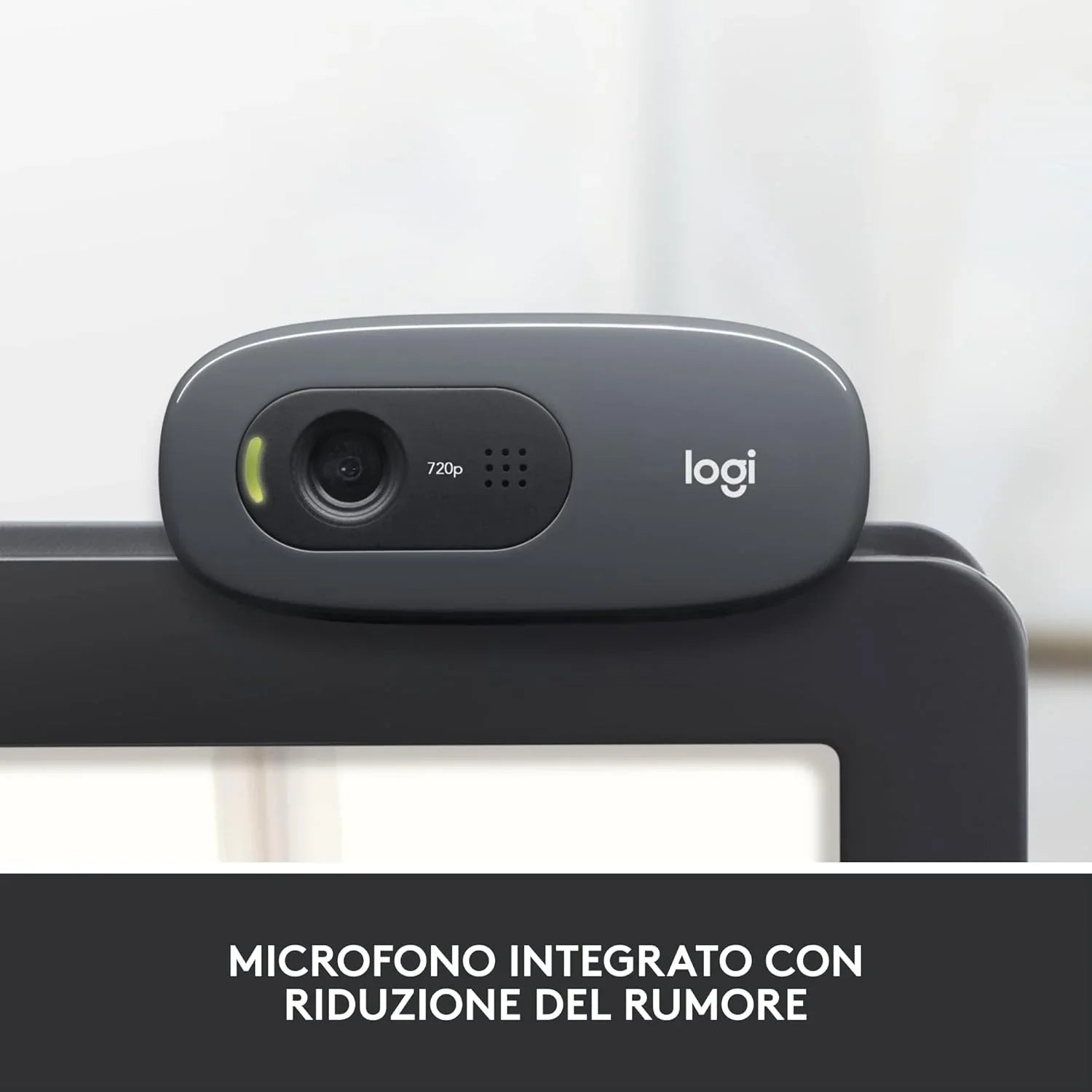
Most models include a built-in microphone with noise reduction. For video calls and casual gaming it is sufficient. For serious streaming or quality recordings, we recommend pairing the webcam with a dedicated microphone for significantly better audio.
How many fps does a webcam offer for streaming?
Entry-level models stream at 30fps, adequate for video calls and basic streaming. More advanced models reach 60fps, guaranteeing smoother image — ideal if you move around during streams or want a more cinematic look.
Are the webcams compatible with OBS, Streamlabs and Discord?
Yes, all models work plug & play on Windows 10/11 and are automatically recognized by OBS Studio, Streamlabs, Discord, Teams, Zoom and Meet, without additional drivers.
What does automatic brightness correction mean and do I really need it?
It is a function that adjusts exposure and white balance based on room lighting. It is useful if you do not have dedicated lighting on your setup. If you already use a ring light or LED lights, you can manage everything manually from OBS.
How do I attach the webcam to the monitor or tripod?
Almost all models have a universal adjustable clip that attaches to the top edge of the monitor or laptop. Many also have the 1/4" thread for tripod mounting.
Can I use a webcam also for work and video calls, not just for streaming?
Absolutely. A good webcam improves any video call on Teams, Zoom or Meet compared to a laptop built-in camera. 1080p models with autofocus and brightness correction are perfect for both office and gaming use.
How is the webcam shipped and how long does delivery take?
We ship with DHL across Europe. Delivery times vary by country, typically 2-5 working days. Contact us on WhatsApp at 353 335 3291 or call our office at 081 010 3313 to build a complete setup combining webcam, microphone and other accessories.